
BooksOn HSN app
HSN code & GST rate finder
Find the HSN or SAC code and its GST rate in seconds. Every rate shows the exact CBIC notification entry it comes from, and the rate as on any date since 1 July 2017.
Android 7.0 or later · English, हिन्दी, தமிழ் · Phones, tablets and foldables
What is BooksOn HSN?
BooksOn HSN (also written Bookson HSN) is a free Android app that finds the HSN code of goods or the SAC code of services and shows the GST rate that applies on any date since 1 July 2017, with the CBIC notification, date and entry number behind every rate. It is published by ARISHIMETO Technologies Private Limited, Chennai, the makers of BooksOn GST accounting software.
| What it is | HSN/SAC code search and GST rate finder app for India |
|---|---|
| Price | Free — no ads, no in-app purchases, no account |
| Platform | Android 7.0 or later (phones, tablets, foldables); Google Play and Samsung Galaxy Store |
| Languages | English, Hindi (हिन्दी), Tamil (தமிழ்) |
| Coverage | 21,783 HSN entries (14,564 at 8-digit level), 681 SAC codes, 252 CBIC notifications |
| Rates | CGST, SGST/UTGST, IGST and compensation cess, as on any date since 1 July 2017, including the GST 2.0 schedules of 22 September 2025 |
| Source | CBIC rate, exemption and compensation cess notifications (sources) |
| Dataset | Version 3, updated , up to Notification 1/2026-Central Tax (Rate) |
| Works offline | Yes — the whole dataset is inside the app |
| Publisher | ARISHIMETO Technologies Private Limited (CIN U58200TN2026PTC196842), Chennai, India |
Everything you need to put the right GST rate on an invoice
BooksOn HSN is a free search aid from the makers of BooksOn GST accounting software. It works fully offline after installation and needs no account.
HSN code search the way you speak
Type a code (8471), plain words (laptop, paneer, cement, hotel room) or both. Hindi and Tamil words work too.
Every GST rate cites its source
CGST, SGST/UTGST, IGST and cess with the schedule, CBIC notification, entry number and date — one tap opens the notification.
GST rate as on any date
See what applied on the invoice date, back to 1 July 2017, including the GST 2.0 schedules of 22 September 2025.
GST and late fee calculators
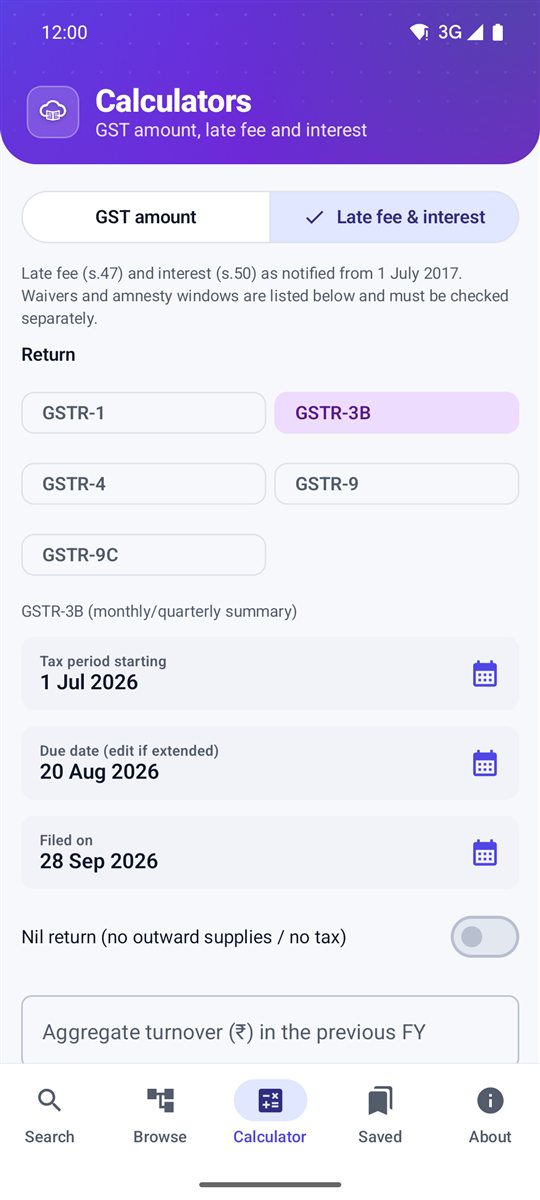
GST amount (inclusive or exclusive, intra/inter-state, cess) and late fee & interest for GSTR-1, 3B, 4, 9 and 9C.
Browse HSN and SAC codes
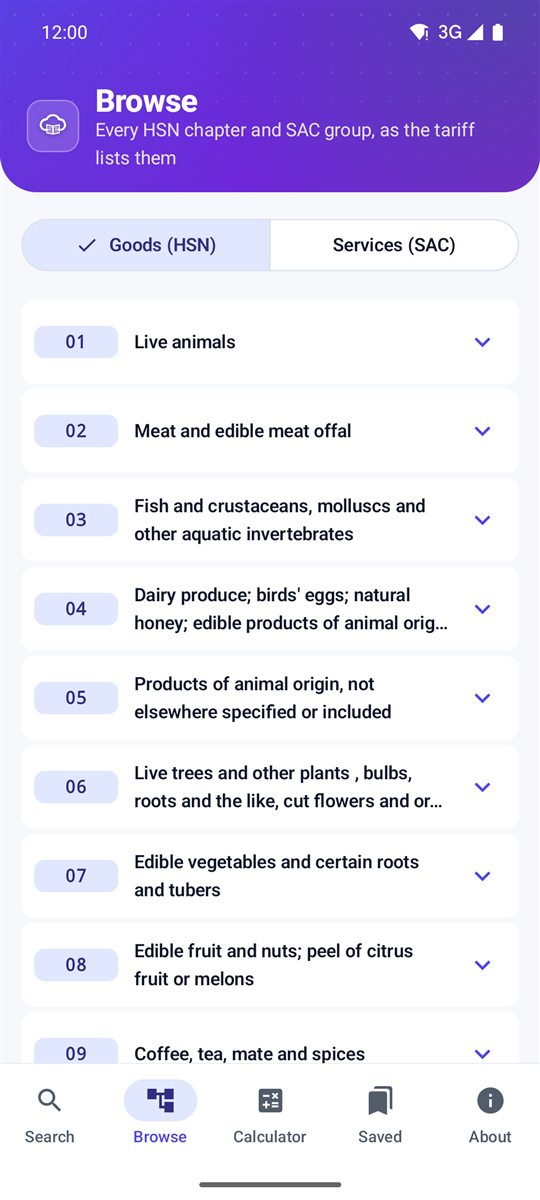
Chapter-wise goods (01–98) and services (99), bookmarks, recent codes, and share a rate card as text or image.
Private by design
Works offline. No account, no ads, no advertising ID. Usage statistics can be switched off in the app.
HSN code and GST rate, with the notification behind it
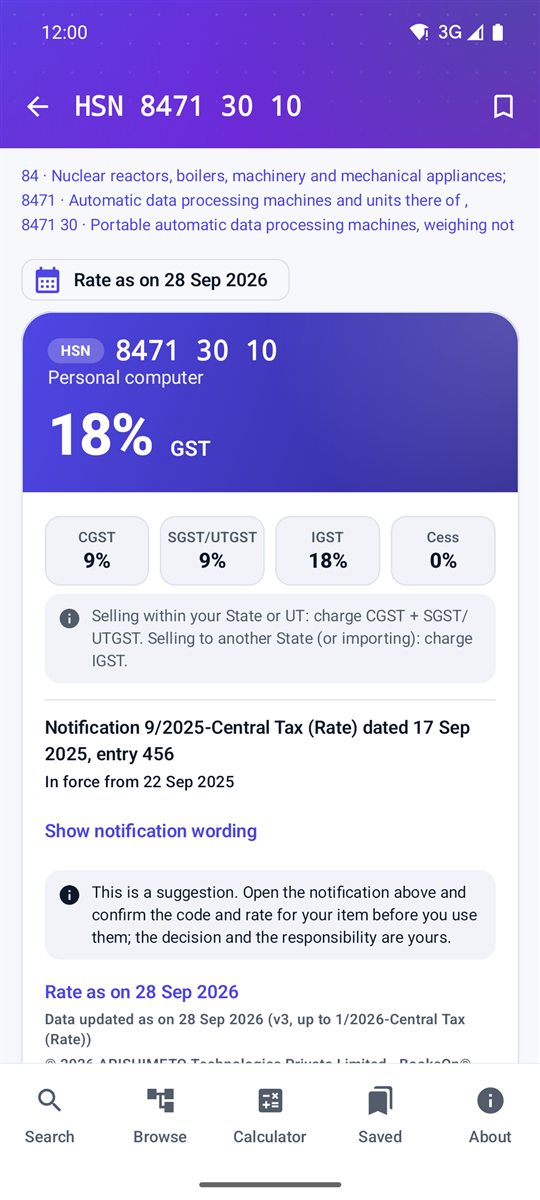
Two examples from the app, as on 28 September 2026. Always confirm the entry in the notification before you use it.
| You search | HSN code | Description | GST rate | Source |
|---|---|---|---|---|
| laptop, computer | 8471 30 10 | Personal computer | 18% (CGST 9% + SGST 9%, or IGST 18%) | Notification 9/2025-Central Tax (Rate), entry 456, in force from 22 Sep 2025 |
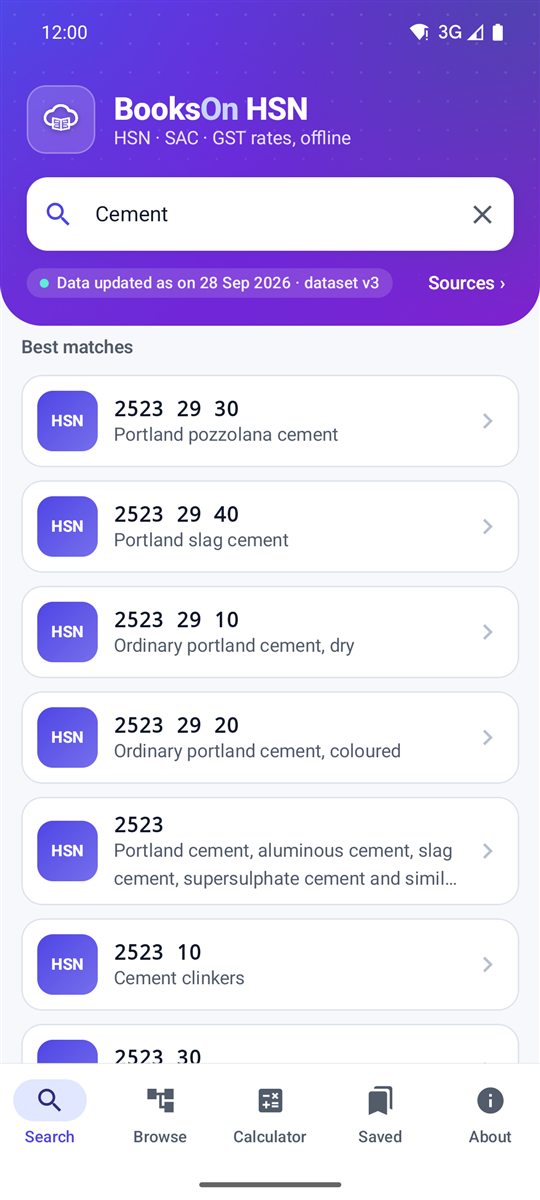
| cement | 2523 29 30 | Portland pozzolana cement | 18% (CGST 9% + SGST 9%, or IGST 18%) | Notification 9/2025-Central Tax (Rate), entry 9, in force from 22 Sep 2025 |
Clean, fast and colour-coded
How to find the HSN code and GST rate of an item
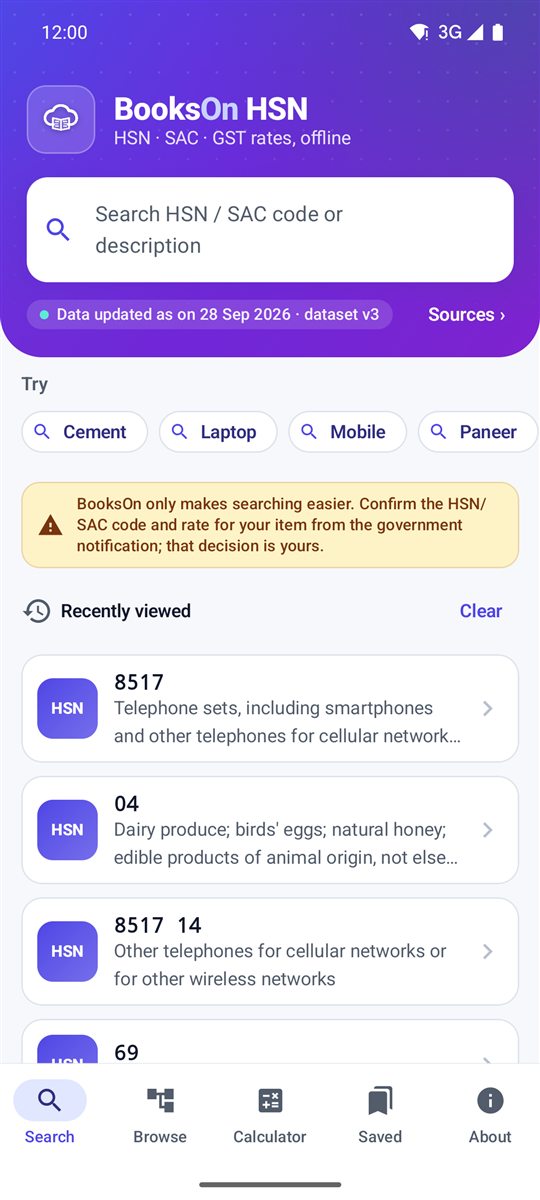
- SearchType the item or its code, for example laptop or 8471, and pick the closest match.
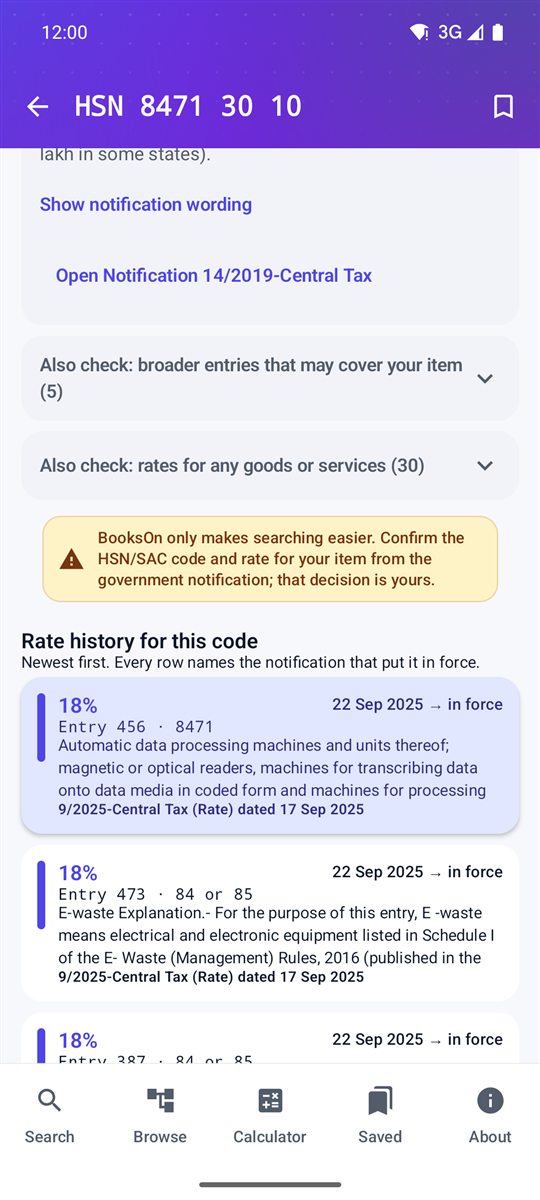
- Read the cardCheck the GST rate, the schedule and any condition it applies under.
- Open the notificationTap the button on the card to open the CBIC notification and confirm the entry.
- DecideUse the code and rate once you have confirmed them from the notification.
From the makers of BooksOn
BooksOn HSN
Free Android app: HSN/SAC code search and GST rate finder with the CBIC notification behind every rate. Get the app.
BooksOn
Cloud accounting and GST compliance software for Indian businesses: GST invoicing and e-invoicing, GSTR-1/3B, ITC reconciliation, inventory and payroll. Request access at support@bookson.in.
Frequently asked questions
What is BooksOn HSN?
BooksOn HSN (also written Bookson HSN) is a free Android app from ARISHIMETO Technologies Private Limited, the makers of BooksOn GST accounting software. It finds the HSN or SAC code of goods and services and shows the GST rate as on any date since 1 July 2017, citing the CBIC notification behind every rate.
Is it really free?
Yes. No ads, no in-app purchases, no paywall and no account.
How do I find the HSN code of a product?
Open BooksOn HSN and type the product in plain words, such as laptop, cement or paneer, or the first digits of the code. The app lists matching HSN codes with their descriptions; open one to see its GST rate and the notification entry. Confirm the entry in the CBIC notification before you use it.
What is the difference between an HSN code and a SAC code?
HSN (Harmonised System of Nomenclature) codes classify goods, in chapters 01 to 98 of the Customs Tariff. SAC (Services Accounting Code) codes classify services and start with 99. BooksOn HSN searches both.
Can I see the GST rate that applied on a past date?
Yes. Pick any date from 1 July 2017 and the app shows the rate that was in force on that date, with the notification that set it. This helps with old invoices, amended invoices and audits.
Does it work without internet?
Yes. The full HSN/SAC master and GST rate dataset is inside the app. The internet is only used to check for dataset updates on Wi-Fi, for feedback you choose to send, and for anonymous usage statistics you can switch off.
Is BooksOn HSN an official government app?
No. It is an independent app by ARISHIMETO Technologies Private Limited, compiled from CBIC notifications published at taxinformation.cbic.gov.in. It is not affiliated with the Government of India, CBIC or GSTN and is not tax or legal advice.
Which languages does it support?
English, Hindi and Tamil. You can also search with common Hindi and Tamil words for items.
How current are the rates?
Every screen shows "Data updated as on" with the dataset version and the latest notification included. New notifications reach you with app updates from Google Play and Galaxy Store; see Updates & stores.
How do I delete my data?
In the app, go to About → Your data → Delete my data, or email grievance@bookson.in. Details on the data deletion page.
Invoicing with these rates?
BooksOn is GST invoicing, e-invoicing, GSTR-1/3B and ITC reconciliation software.